
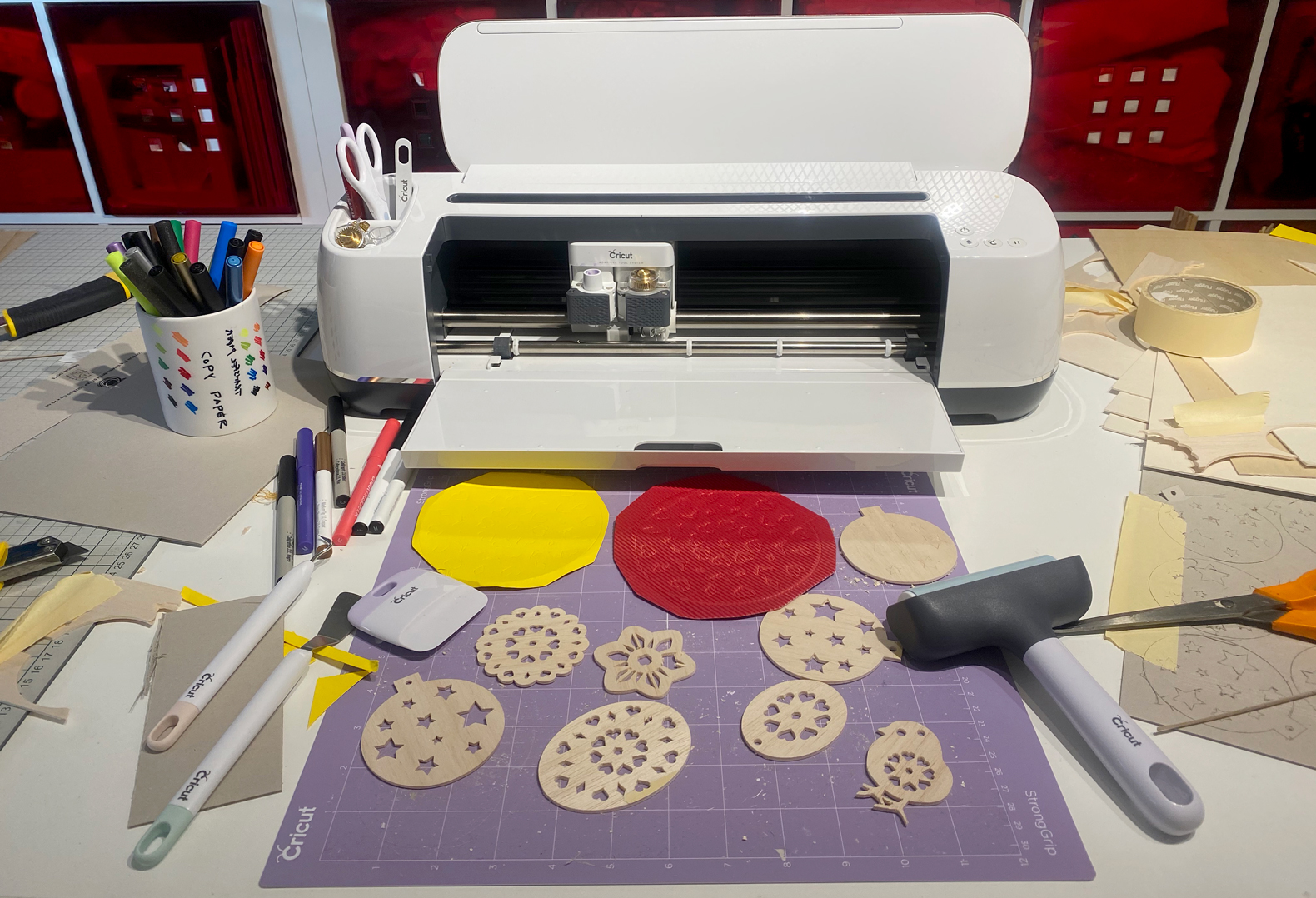
A fantastic new machine is moved into my workshop, and I love it already 🙂
Read more about Cricut on my new website CRICUTstudio where there are tips, ideas and sales of machines and materials…..click here and there in the new shop in seconds 🙂 . This post is also on the new website in an updated version.
Cricut Maker is an American cutting plotter can cut, gravere, Debos, write, false mm. And with the recent "knife blade" can cut wood, leather, paperboard and cardboard up to 2,4 mm thickness. It provides unlimited possibilities 🙂

When I worked 10 years as a designer in the United States, is jegforholdsvis often in New York or San Francisco. I have been several times in the wonderful hobby shop Michaels i New York, and dreamed of a Cricut Easy Press. It's a super nifty heat press to textile fixation, setting the temperature and tod, and presses with his hands. It is super smart and perfect, when I'm out and hold courses, when my great heat press weighs 50 kg. But in the US they have the only 110 V, so it was a dream, but this summer I took as "inflow" and bought a heating pad to press home.

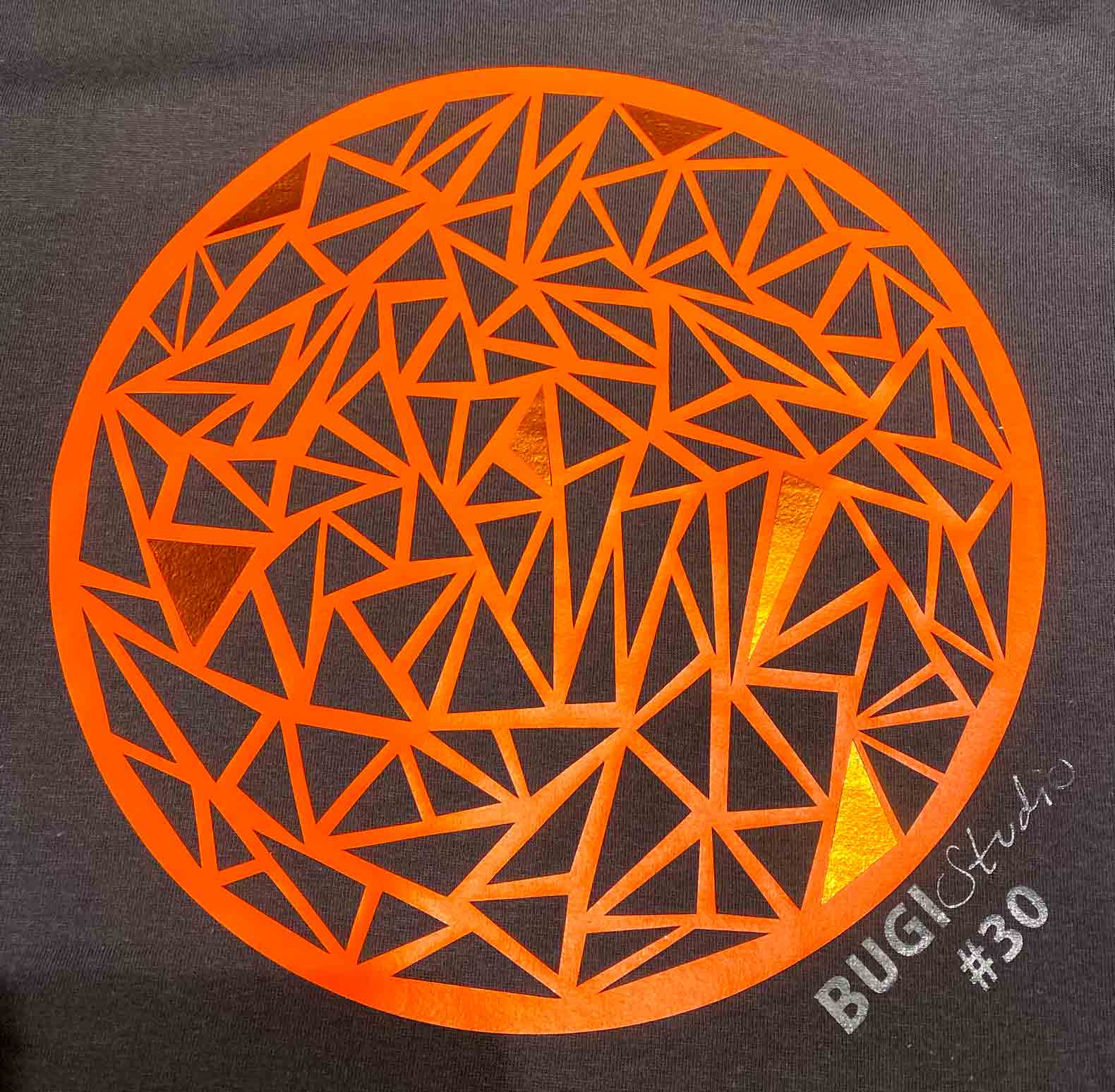
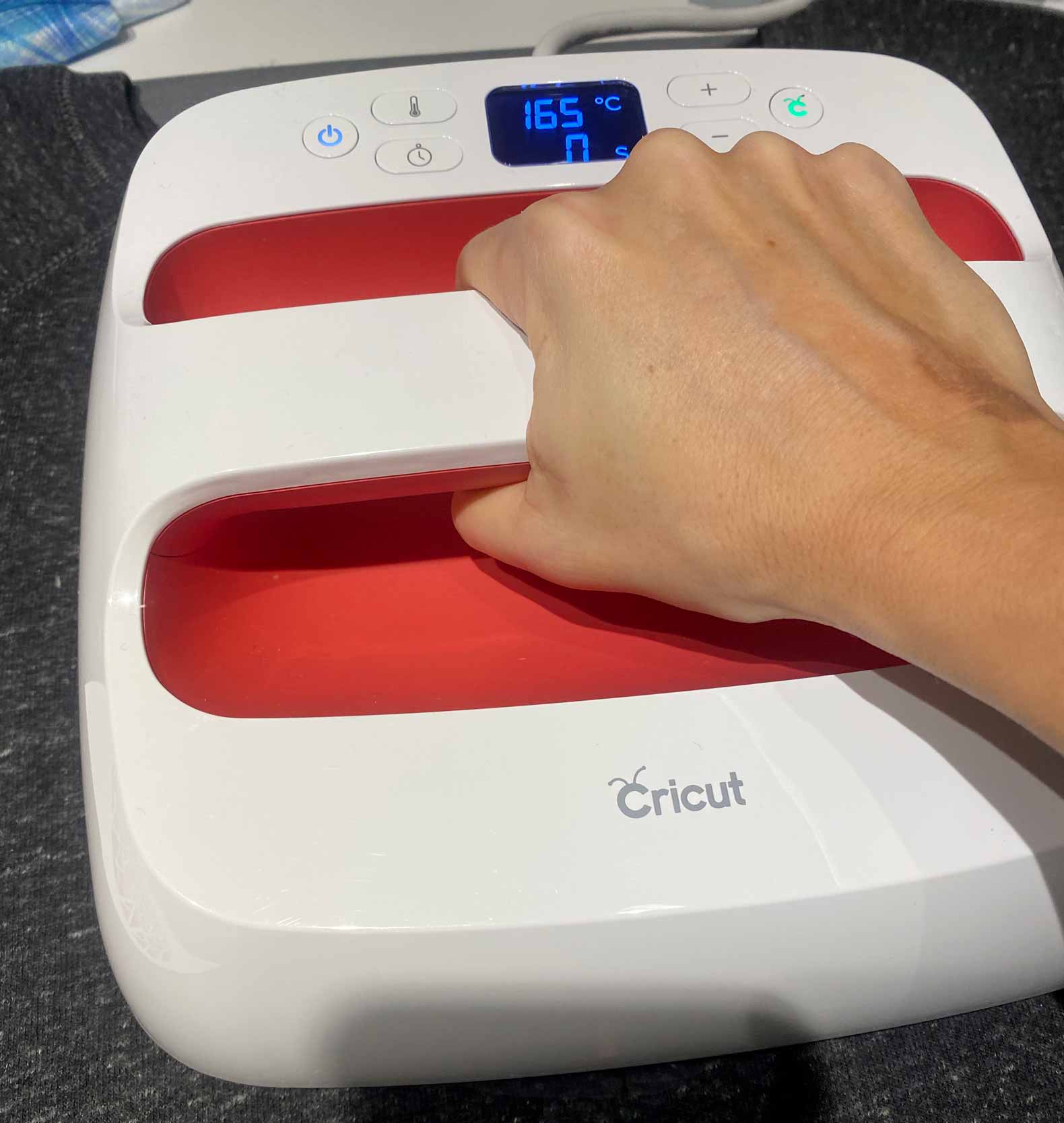
At home I started to explore options and prices, and suddenly I caught in the large Cricut Universe exists. I spent a whole week to watch You Tube videos online, and watch and read a lot about their cutting machine Cricut Maker. I surpassed my teenage boy to watch You Tube, but I would know EVERYTHING ... and I was “hooked”, and suddenly there was no turning back, and I ended up buying both hot press and a Cricut Maker machine plus a lot of accessories.

The machine is "Apple" of cutting machines, super user-friendly design and software. One can even use the software from both mobile and tablet. Everything from the humorous logo and name "Cricut" (Games on cricket cricket, where the last part is replaced with "cut" for tinge, and the logo is the letter C with feelers) to machine, heat presses, solving tools and software are incredibly thoughtful and delicious. I think it can be operated by all, children and the elderly. Perhaps the year's communion gift, it is much cheaper than a mobile phone, and there are endless possibilities and hours of creative expression.
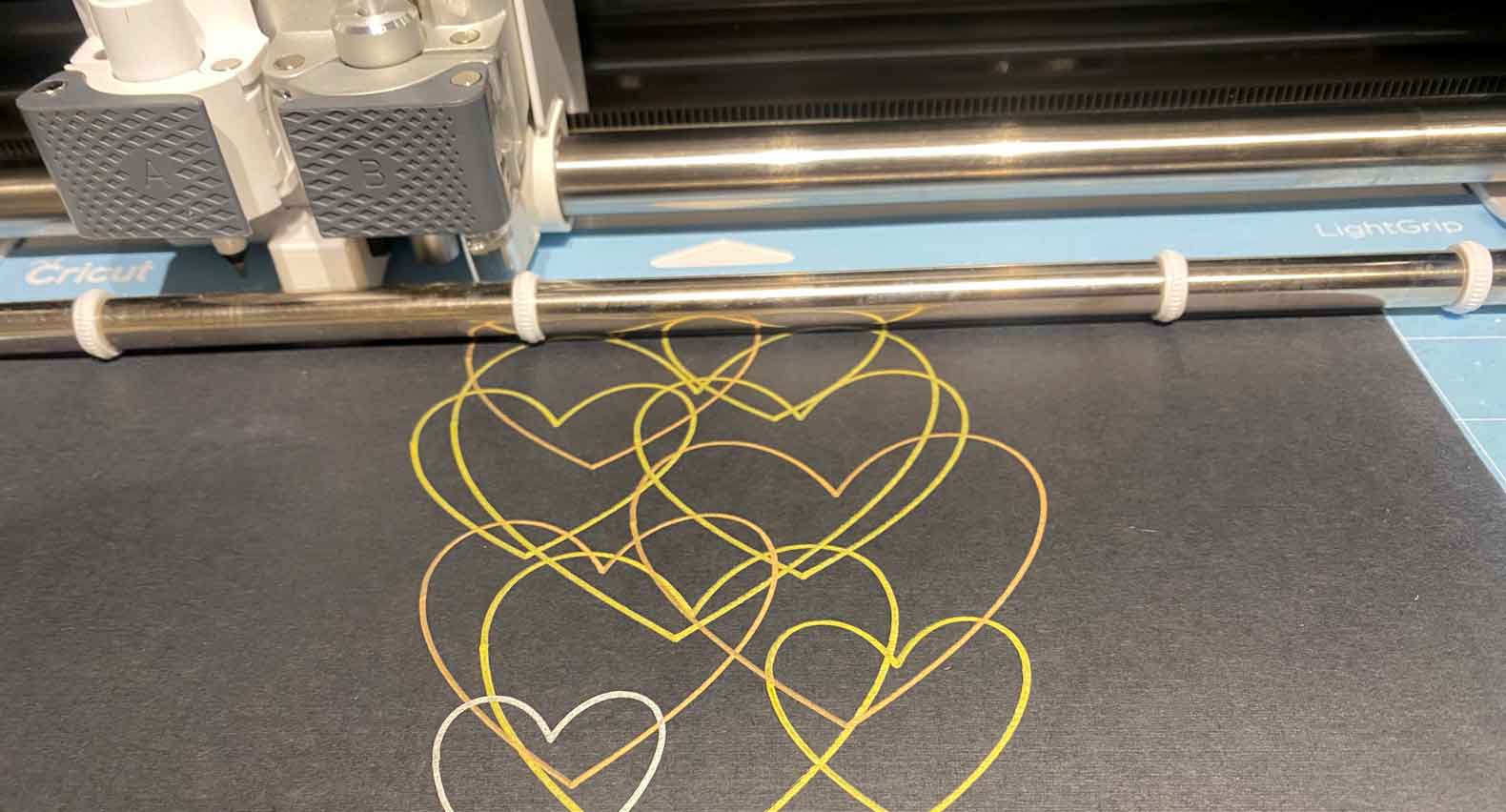
The software is called “Cricut Design Space” and can be operated from both mobile, tablet and computer. It is very easy to go to, and there is also an archive with a lot of files you can use, either free or files to the encirclement $1. Of course you can also import files from other applications. I draw even in Adobe Illustrator and export the them as SVG files, I then open the Cricut Design Space. You can also take photos with mobile or tablet, and then open them and make them cut files in the application. But choose easily what to do with the file, glow, debos etc.Efter choice of function you get a choice between a lot of different materials, when the material is selected, displayed the knife or head to spend.


The machine lives up to what I had read and seen before.
I have thrown me out of it, have cut foils, tree, cardboard and debos in various materials. Must also have tried leather and some of the other printheads.


Along with all my other Textile printers I have actually a large cutting plotter already, but it is so difficult to use, and the knives are super expensive and hard to change, so there should not enjoy some of experimenting with different materials. But Cricut there are all the different kinds of knives, and it's all so super easy.


Cricut also made pens and cut the foil with what they call “Infusible ink”, which is the same as the sublimation / dye sub ink, among other things used on mugs and polyester / sportswear.
Markers can be inserted into the machine and draw on plain copy paper, then it is heated over to the mug or other. I've actually been looking for dye sub pens for some years, when I want to use them for my courses with children, so perfect for me. Also great with foil, where you cut his motives. But when I have a printer with dye sub ink, I do not know how much I will use film, but think it's really well thought out.


My brain is running on the second week of options I should try, and I have gone all in, and bought all the knives, and have collected a lot of different materials I should try. The day before yesterday I got a lot of leather of a former colleague, so that's the next thing I'll try.
I have already optimized production of a blouse I make with several hours, because Cricut easily share my design and print it divided into 5 colors, so clever.
So it's an exciting new life. I am actually gone so far, I also have been Cricut dealer, both the machine and accessories.
Although I was not ready, and had not got my stuff on the web shop, I sold actually the first machine on Sunday. It has just arrived at very excited customer in Jutland. She has been looking forward for several days and must immediately started to cut the heavy materials.
I hope that comes a lot of users, since I love to have someone to share the experience with. On my second cutting project I actually software help, by asking in a American Cricut Facebook group, so it can be very handy with colleagues.
CRICUT INFO
Finally look past my webshop MAKERstudio , I now have a lot of goods, in fact Denmark's largest Cricut selection.
Below link to FB page and group I created
Facebook groups “Cricut for everyone” where you can see what users are doing, ask for help, share tips etc.
Hello Helle Abild. I have not heard of the machine before. cricut . But it sounds like it I wish me. I want to get to your demo 29. Feb. Mvh Neel
There are not so many of them here at home, but in the US where it comes from, there are very many and a whole lot Cricut Facebook Groups with over 100k in each, and you can always get help and inspiration. I think it's a great machine. I have cut into thick leather today, the cut in the butter 🙂
Hi Kibria
I'm just like you, lost my heart to cutting machines. And am also pretty crazy about the new cricut maker, when I watch various videos with it on YouTube. I even have a silhouette cameo right now, an old model. So really considering whether I should switch to a cricut maker instead. Now my question is so, that I can read in several places, that you can not use / purchase various cutting files on the cricuts design page and use them in Denmark, is that right?
Is it not at all possible to download any of them and use here in dk?
Hello Mette……I have two customers who have sold their Silhouette and now drive Cricut.
Yes you can buy files for approx $1 pcs in design space (but one has to pay via mobile), but there are tons of free files online.
You can download Cricut design space software then you can see what is there, if you do not subscribe there are approx 3000 free files and projects and 10 fake, subscribe one is over there 100.000 files and projects and above 100 source…subscription is shown 69 DKK per month which you, like the files, can only buy via mobile. I think it's a good way to get started with the machine to choose the free month one can get, there are a lot of finished projects and it's actually quite fun. You can operate all machines via mobile, tablet or computer and since you create an account and have the same login then it is the same account. I have made a FB group where users share what they do and help each other and I also try to help as best I can 🙂 https://www.facebook.com/groups/makerstudio.dk